PRE-CRASH SAFETY SYSTEM
-
OPERATION
-
A PCS switch, which turns the pre-crash safety system on and off and switches the warning timing, is provided.
-
The PCS switch includes a pre-crash safety system switch. Each time the switch is pressed, the multi-information display sensitivity switch display changes between "Far", "Medium" and "Near", in that order to switch the sensitivity of the pre-crash safety system between 3 levels.
Tech Tips
-
The sensitivity setting display is shown for 6 seconds.
-
"Medium" is the default setting.
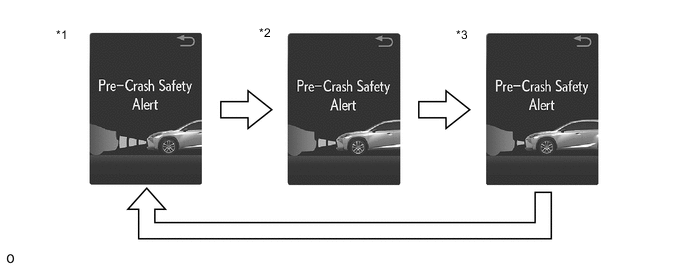
*1 Far *2 Medium *3 Near - - -
-
The PCS switch includes a pre-crash safety system switch. When the switch is pressed and held for 3 seconds, the pre-crash safety system stops operation.
Tech Tips
While the system is canceled, the multi-information display and PCS warning indicator are illuminated.
-