AUDIO AND VISUAL SYSTEM(except Sedan Radio and Display Type) Screen Flicker or Color Distortion
| DTC Code | DTC Name |
|---|---|
| Screen Flicker or Color Distortion |
PROCEDURE
CHECK DISPLAY SETTING
-
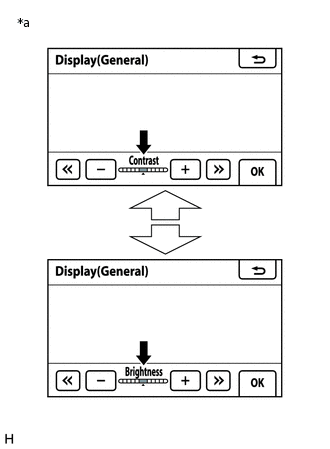
*a
Example
Display the "Display (General)" screen.
Reset display settings (contrast, brightness) and check that the screen appears normal.
OK
The display returns to normal.
Result
Proceed to
OK
NG
OK END
-
CHECK COLOR BAR (OPERATION CHECK)
-
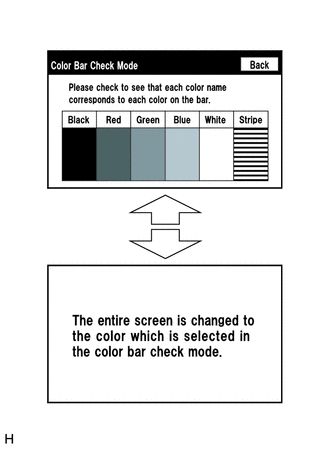
Enter the "Color Bar Check Mode" screen. Refer to Check Color Bar in Operation Check.
Check that the color bars match the displayed names.
OK
Color bars match the displayed names.
Result
Proceed to
OK
NG
-