CLUTCH UNIT(for Diesel) REMOVAL
PROCEDURE
REMOVE MANUAL TRANSAXLE ASSEMBLY
REMOVE CLUTCH RELEASE FORK SUB-ASSEMBLY
-
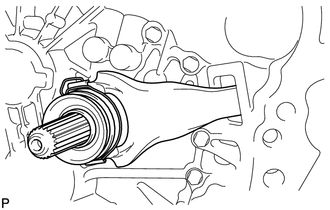
Remove the clutch release fork sub-assembly with the clutch release bearing from the manual transaxle assembly.
-
REMOVE CLUTCH RELEASE BEARING ASSEMBLY
-
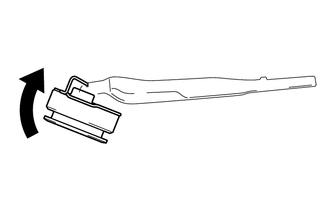
Remove the clutch release bearing assembly from the clutch release fork sub-assembly.
-
REMOVE RELEASE FORK SUPPORT
-
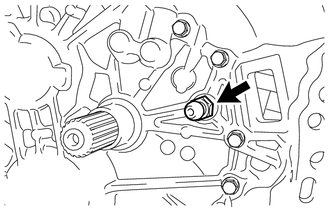
Remove the release fork support from the manual transaxle assembly.
-
REMOVE CLUTCH RELEASE FORK BOOT
-
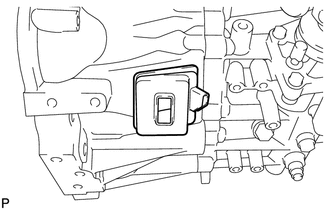
Remove the clutch release fork boot from the manual transaxle assembly.
-
REMOVE CLUTCH COVER ASSEMBLY
-
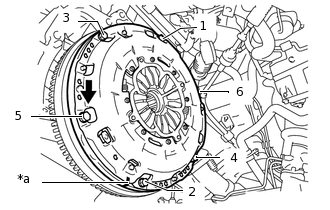
*a
Matchmark
Align the matchmarks on the clutch cover assembly and flywheel.
Loosen each set bolt 180° at a time until the spring tension is released.
Note:Following the order in the illustration, make sure to uniformly loosen the bolts 180° at a time.
Remove the set bolts, and pull off the clutch cover assembly.
Note:Do not drop the clutch disc.
-
REMOVE CLUTCH DISC ASSEMBLY
Note:Keep the lining part of the clutch disc, the pressure plate and the surface of the flywheel away from oil and foreign matter.