METER / GAUGE SYSTEM
-
FUNCTION
-
Buzzer Function
-
The table below shows the warning and reminder functions of the buzzer in the combination meter assembly.
1 Front Seat Belt Warning 2 EPS Warning 3 Entry and Start System Warning*1 4 Key Reminder*2 5 Engine Immobiliser Matching Completion Report*1 6 Speed Limiter Warning*3 7 Shift Operation Reject Warning*4 8 Rev/Red Zone Warning*5 9 Light Reminder - - Tech Tips
*1: Models with entry and start system
*2: Models without entry and start system
*3: Models for G.C.C. countries
*4: Models with A/T
*5: Models with rev indicator/red zone indicator
-
-
Multi-information Display Function
Display Display Item Outline 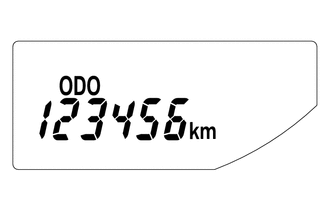
Odometer Display Displays the odometer. 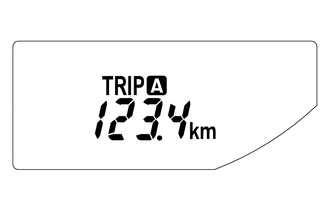
Trip Meter A Display Displays the trip meter A. 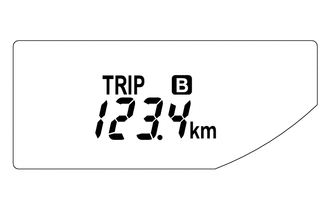
Trip Meter B Display Displays the trip meter B. 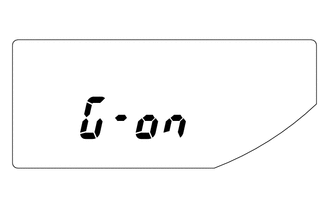
M/T Shift and Shift-up Indicator Customize Display*1
(While IG OFF)
-
Displays whether M/T shift and shift-up indicator display control is off or on.
-
When the ignition is off and the trip meter B is being displayed, pressing the ODO/TRIP switch quickly changes the display mode to M/T shift and shift-up indicator customize. Holding the ODO/TRIP switch down can toggle it between off and on.
-
Initial setup is off.
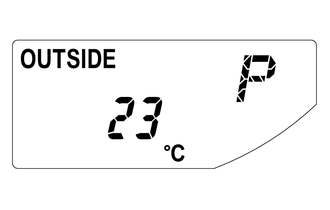
Outside Temperature Display Displays the temperature outside.*2 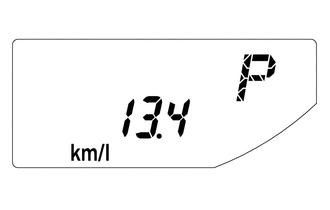
Instant Fuel Consumption Display
-
Displays the value that has been calculated by the combination meter assembly, which is based on the distance driven and the fuel consumption volume.
-
The display updates constantly.
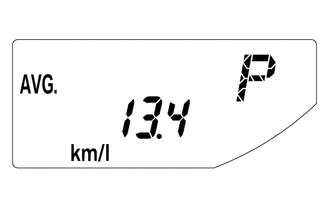
Average Fuel Consumption After Refueling Display
-
Displays the value that has been calculated by the combination meter assembly, which is based on the distance driven after reset and the fuel consumption.
-
Holding down the DISP switch will reset the fuel consumption meter.
-
The display updates every 10 seconds.
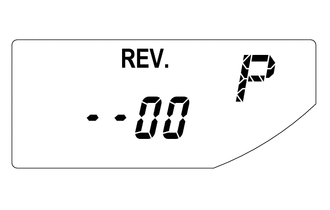
Rev Indicator/Red Zone Indicator Customize Display*3
(While a Vehicle Stop)
-
Displays the starting engine revolution count for rev indicator light-up.
-
While rev indicator/red zone indicator customize is indicated, holding down the DISP switch changes it to setup mode. The starting engine revolution count for rev indicator light-up (2000 to 7400 revolutions) and rev/red zone buzzer on/off can be set.
-
When setting the rev indicator, the rev indicator will light up and the tachometer will display the set engine revolution count for 1 second with the ignition on.
-
The initial setup is the function off state.
Tech Tips
*1: Models with M/T shift and shift-up indicator customize display function for M/T
*2: The indication of the outside temperature is influenced by vehicle speed, and the indication during a stop (low vehicle speed) is not updated, but is not abnormal.
*3: Models with rev indicator/red zone indicator
-
-
-
OPERATION
-
Switching the Multi-information Display
-
The multi-information display changes in the order shown below by pressing the ODO/TRIP switch or DISP switch.
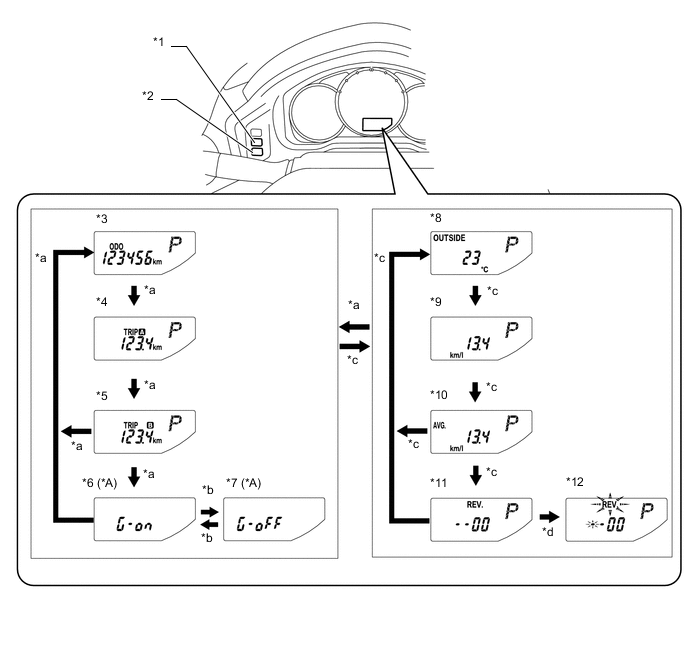
Text in Illustration *A Models with M/T Shift and Shift-up Indicator Customize Display Function for M/T - - *1 ODO/TRIP Switch *2 DISP Switch *3 Odometer Display *4 Trip Meter A Display *5 Trip Meter B Display *6 M/T Shift and Shift-up Indicator Customize Display: G-On (While IG OFF) *7 M/T Shift and Shift-up Indicator Customize Display: G- Off (While IG OFF) *8 Outside Temperature Display *9 Instant Fuel Consumption Display *10 Average Fuel Consumption After Refueling Display *11 Rev Indicator/Red Zone Indicator Customize Display (Models with Rev Indicator/Red Zone Indicator) (While a Vehicle Stop) *12 Rev Indicator/Red Zone Indicator Customize Display Setup Mode (Models with Rev Indicator/Red Zone Indicator) (While a Vehicle Stop) *a ODO/TRIP switch short press *b ODO/TRIP switch long press *c DISP switch short press *d DISP switch long press
-
-
Rev Indicator/Red Zone Indicator Customize Setup Mode Display
-
The starting engine revolution count for rev indicator light-up (2000 to 7400 revolutions) and rev/red zone buzzer on/off can be set.
-
When average fuel consumption is indicated while the vehicle is stopped, pressing the DISP switch quickly displays the rev indicator/red zone indicator customize mode. Holding down the DISP switch changes it to setup mode.
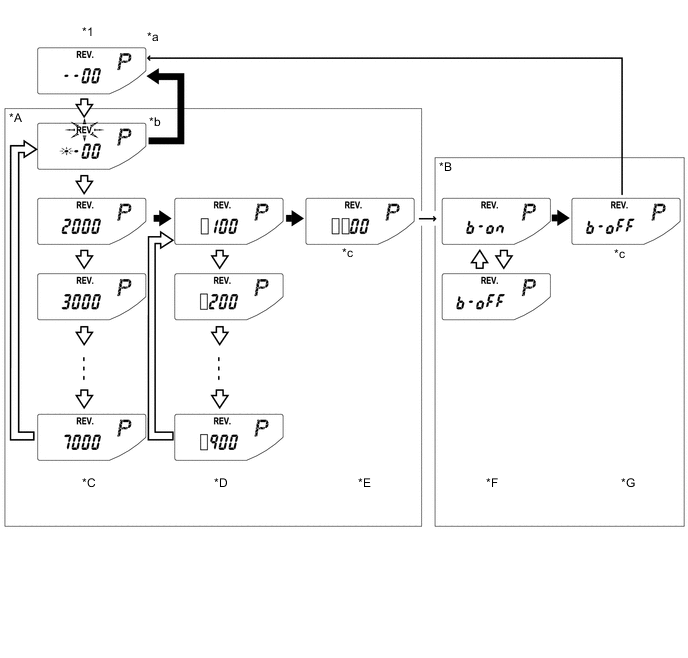
*A Rev Indicator Revolution Count Setup Mode *B Rev/Red Zone Buzzer On/Off Setup Mode *C Thousands-Digit Setup Screen *D Hundreds-Digit Setup Screen *E Revolution Count Confirmation Screen *F Buzzer On/Off Setup Screen *G Buzzer Setup Confirmation Screen - - *1 Rev Indicator/Red Zone Indicator Customize Display - - *a Initial display. Displays previous revolution setting if a previous setting value exists. *b "REV." and setable area blink during setup mode. *c Switch input invalid (1 second indication) - - 
DISP switch short press 
DISP switch long press → Automatic transition [] Setting value
-
-