Click here
- Click here
ADJUST CLOCK ASSEMBLY (w/o Multi-information Display)
Tip:Illustrations may differ from the actual screen displayed depending on the specifications of the vehicle and customized settings.
-
Ignition switch on (IG).
-
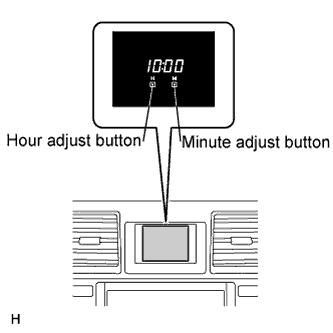
Adjust the time by pressing the hour adjust button or minute adjust button.
-
- Click here
ADJUST CLOCK ASSEMBLY (w/ Multi-information Display)
-
Ignition switch on (IG).
-
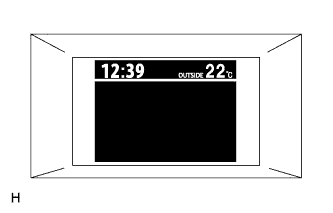
Keep pressing the DISP switch more than 1 second to display the set up screen.
-
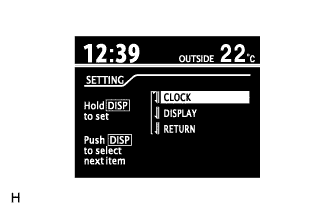
Select the "CLOCK" to adjust time.
-
Keep pressing the DISP switch more than 1 second to enter the adjustment mode.
-
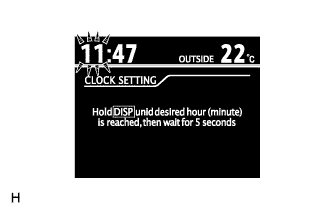
After adjusting the hours, wait 5 seconds or more to allow the hours to be automatically input.
-
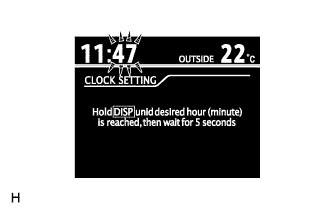
After adjusting the minutes, wait 5 seconds or more to allow the minutes to be automatically input.
-