ECM REMOVAL
PROCEDURE
-
REMOVE BATTERY (for RHD)
-
REMOVE BATTERY TRAY (for RHD)
-
REMOVE BATTERY CARRIER (for RHD)
-
REMOVE ECM
-
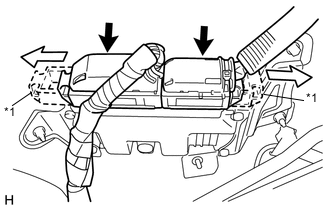
Text in Illustration *1 Lever 
Slide Slide the levers to disengage the locks, and separate the 2 connectors from the ECM.
-
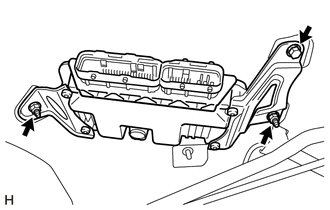
Remove the bolt, 2 nuts and the ECM.
Note
-
If there are is any foreign matter such as mud or water on a connector, clean the connector.
-
If a component has been dropped or subjected to a strong impact, replace it.
-
-
-
REMOVE NO. 1 ECM BRACKET
-
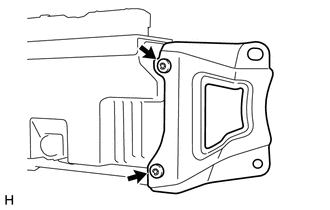
Using "TORX" socket wrench T25, remove the 2 screws and the ECM bracket from the ECM.
-
-
REMOVE NO. 2 ECM BRACKET
-
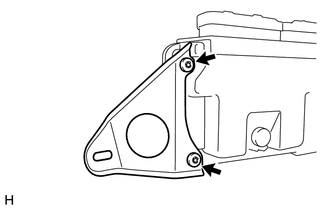
Using "TORX" socket wrench T25, remove the 2 screws and the No. 2 ECM bracket from the ECM.
-