AMBIENT LIGHT(for Instrument Panel Side) REMOVAL
PROCEDURE
-
REMOVE INSTRUMENT CLUSTER FINISH PANEL SUB-ASSEMBLY
-
REMOVE CENTER INSTRUMENT CLUSTER FINISH PANEL GARNISH
-
REMOVE INTERIOR ILLUMINATION LIGHT SUB-ASSEMBLY
-
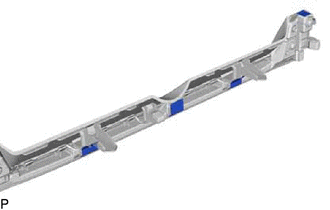
Remove the 4 pieces of adhesive tape.
-
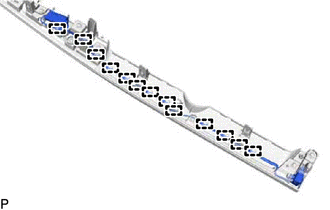
Disengage the 13 guides and disconnect the wire harness of the interior illumination light sub-assembly.
-
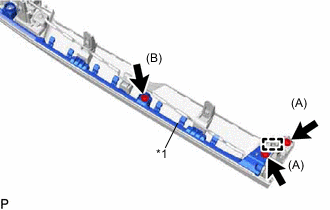
Text in Illustration *1 Instrument Panel Finish Panel Remove the 2 screws (A).
-
Disengage the pin and remove the lower instrument cluster finish garnish.
-
Remove the screw (B) and turn back the instrument panel finish panel to a position where the interior illumination light sub-assembly can be removed.
-
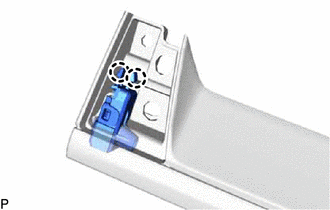
Disengage the 2 claws.
-
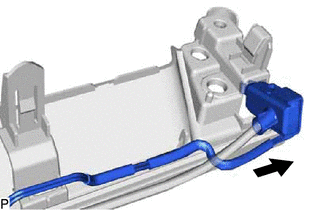
Slide the interior illumination light sub-assembly in the direction indicated by the arrow in the illustration to remove it.
-