BACK DOOR OUTSIDE GARNISH DISASSEMBLY
PROCEDURE
REMOVE REAR TELEVISION CAMERA ASSEMBLY (w/ Rear View Monitor System)
REMOVE SYMBOL EMBLEM
REMOVE BACK DOOR OUTSIDE GARNISH PAD
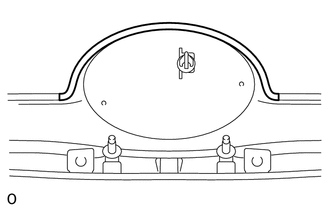
Remove the back door outside garnish pad.
REMOVE BACK DOOR GARNISH SIDE PROTECTOR LH
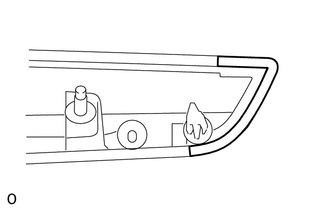
Remove the back door garnish side protector.
REMOVE BACK DOOR GARNISH SIDE PROTECTOR RH
Tip:Use the same procedure described for the LH side.
REMOVE BACK DOOR OUTSIDE GARNISH PROTECTOR
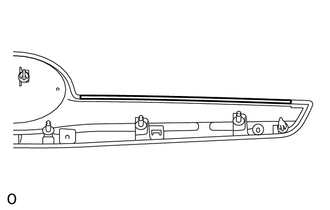 Tip:
Tip:Use the same procedure for the other back door outside garnish protector.
Remove the back door outside garnish protector.
REMOVE NO. 2 BACK DOOR OUTSIDE GARNISH
-
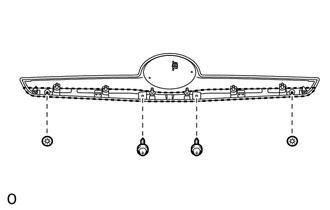
Remove the 2 screws.
Remove the 2 spring nuts and No. 2 back door outside garnish.
-